Evaluating the Gen Z Icons Bundle for Modern Design Projects
In a digital environment saturated with visual content, the need for clean, versatile, and readily deployable graphic assets is paramount. The Gen Z Icons collection presents itself as a comprehensive set aiming to meet this demand. This analysis examines the bundle's practical offerings, its suitability across various mediums, and its potential value for professionals and creators who require a robust, minimalist icon system.
Core Characteristics and Design Philosophy
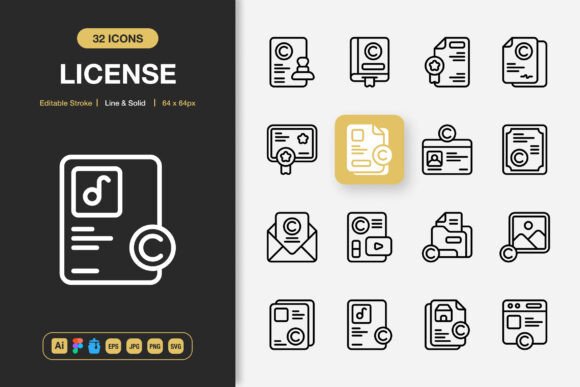
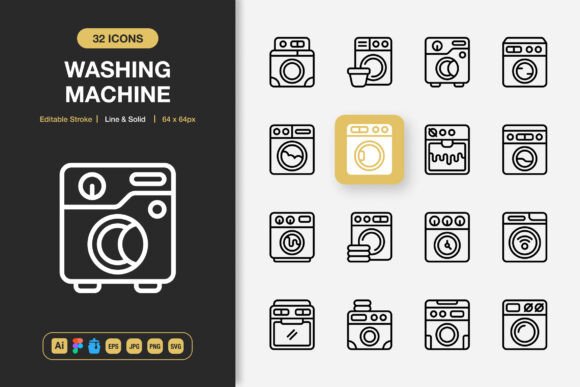
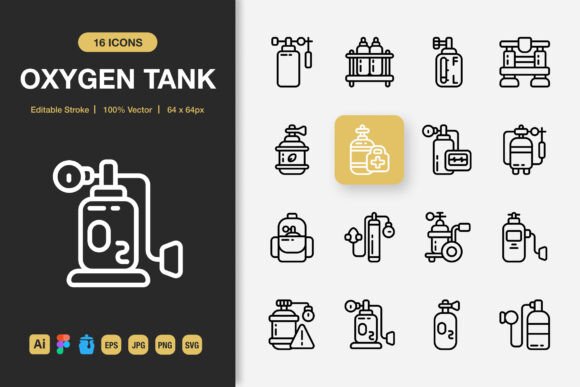
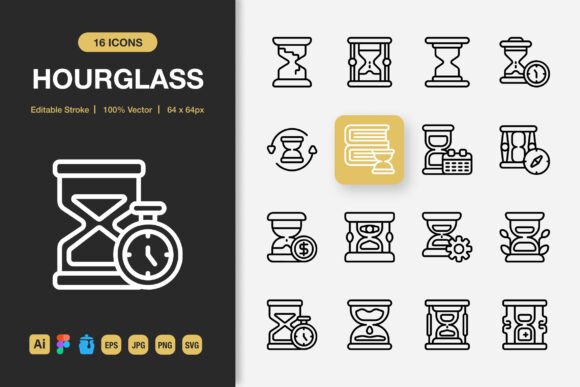
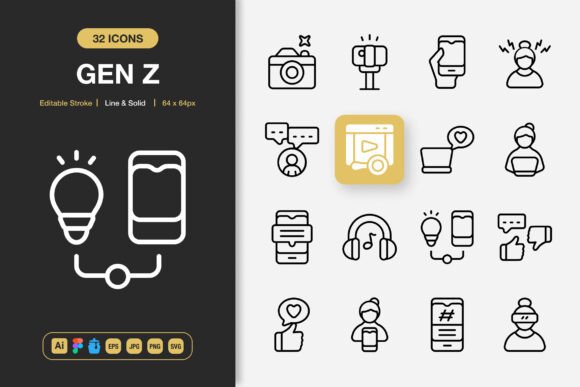
The Gen Z Icons set is defined by a minimalist aesthetic. This design approach is not merely a stylistic choice but a functional one. Minimalist icons reduce visual noise, enhance comprehension, and maintain clarity at different sizes, which is critical for responsive web design and mobile interfaces. The bundle includes both line and solid style variations, providing immediate flexibility for establishing visual hierarchy or matching different brand tones.
A key feature is the editable stroke. For designers working in vector formats, this allows direct control over the icon's weight and presence without needing to recreate artwork. This level of editability speaks to a focus on integration and customization, rather than providing static, final-only assets.
Practical Value Through File Format and Quality
The stated value of any icon set lies in its application. The Gen Z Icons bundle includes a wide array of file types: Adobe Illustrator source files, Figma files, EPS, SVG, PNG, and even an IconJar file. This multi-format approach is a significant strength.
For a UI designer using Figma, the dedicated Figma file enables a seamless drag-and-drop workflow. A print designer needing to incorporate icons into a brochure or poster can utilize the high-resolution EPS or JPG files. The inclusion of SVG files ensures modern web developers can implement the icons as scalable, performance-friendly graphics. Providing the source Illustrator file underscores a commitment to quality; it confirms the icons are built as native vectors, guaranteeing the high quality mentioned and allowing for deep, structural modifications if necessary.
Usability and Integration into Professional Workflows
Usability extends beyond visual design to how assets enter a project pipeline. The easy drag and drop claim, supported by the IconJar and native design software files, suggests a reduction in friction. For freelancers or small teams managing multiple projects, time spent locating, converting, or cleaning up assets is time wasted. A well-organized, ready-to-use set can accelerate the initial phases of design.
Furthermore, the package being 100 customizable icons means it offers breadth without overwhelming bloat. It likely covers common categories—communication, commerce, navigation, user actions—making it suitable as a foundational library for many projects. Consistency across these 100 icons in terms of stroke proportion, corner radius, and visual metaphor is crucial; a consistent set ensures a professional, cohesive look when used together.
Audience Fit and Project Applications
The Gen Z Icons bundle appears tailored for a broad audience of practical creators. Entrepreneurs and marketers building a new website or app landing page can employ these icons to quickly create credible, clean layouts. Bloggers and publishers might use them to enhance infographics or social media visuals. Educators could incorporate them into presentations or instructional materials.
For small business owners producing flyers, banners, or internal documents, the availability of print-ready files (EPS, JPG, PNG) is directly relevant. The minimalist design ensures the icons remain legible even when printed at smaller sizes or on less expensive media. Freelancers across disciplines benefit from a single reliable asset source that can serve diverse client needs, from digital interfaces to physical print collateral.
Performance Considerations and Long-Term Value
In real-world use, the reliability and effectiveness of an icon set are tested. High-quality vector source files suggest the icons will scale without degradation, a basic requirement for professional work. The SVG format’s importance for web performance cannot be overstated; properly crafted SVGs are typically smaller in file size than bitmap images and scale infinitely.
The long-term value hinges on the set's adaptability. As projects evolve, icons may need slight adjustments to color, weight, or detail to match a rebranding or new design direction. The editable nature of the provided vector files makes this possible, offering ongoing utility beyond the initial download. The inclusion of a readme.txt file, while minor, indicates an effort towards proper documentation, which aids in organization and reduces support queries.
Balanced Observations and Limitations
While the bundle's specifications are strong, potential users should consider their specific needs. The Gen Z Icons set, with its minimalist and likely neutral style, is excellent for projects requiring clarity and modernity. However, for projects demanding a very specific, ornate, or thematic visual language (e.g., a medieval fantasy game interface or a vintage restaurant brand), this set may serve only as a supplement, not a core solution.
Additionally, "100 customizable icons" is a solid foundation, but large-scale enterprise projects with hundreds of unique interface actions might require a more extensive library or niche subsets. The value here is in its general-purpose coverage and quality delivery, not necessarily in exhaustive specialization.
For professionals whose workflow is deeply tied to a specific tool not listed—such as Sketch or Affinity Designer—checking compatibility is advised. The Illustrator source files can often be imported, but native files for the primary design environment streamline work.
Final Assessment for Your Projects
The Gen Z Icons bundle presents a well-rounded, professionally packaged asset collection. Its strengths are clear: a thoughtful minimalist design, extensive and practical file format support, and features focused on customization and easy integration. It is best suited for individuals and teams engaged in cross-medium design work—where the same visual system might need to appear on a website, a mobile app screen, and a printed poster—and who prioritize efficiency and a clean, contemporary aesthetic.
By providing the core source files and multiple export formats, it respects the designer's need for both quality and control. If your project goals align with a versatile, modern iconography that can be adapted and deployed reliably across digital and print channels, this set warrants serious consideration. It is a resource designed not just to be used, but to be effectively integrated into a professional creative process.